Your personal data will be used to process your order, support your experience throughout this website, and for other purposes described in our privacy policy.
Last Updated: November 2025
Welcome to the official website of Health In Action Community Pharmacy (hereinafter referred to as “this Website”). Please read the following Terms and Conditions (“these Terms”) carefully before using any services or making any purchases through this Website.
By accessing or using this Website, you hereby acknowledge and agree to be bound by these Terms. Should you disagree any of these Terms, kindly cease using the services of this Website forthwith.
1. Website Usage
User Eligibility
To access the shopping services offered on this Website, you must be at least 18 years of age, or be 16 years of age or older with the explicit consent of a parent or legal guardian.
Account Registration and Security
Upon registering an account, you acknowledge your responsibility to provide truthful, accurate, and comprehensive information. You are solely accountable for safeguarding the confidentiality of your account credentials and for all activities that transpire under your account. We reserve the right to suspend or terminate an account in the event of a suspected security breach.
Prohibited Conduct
You are prohibited from engaging in any of the following activities:
● Utilising this Website for unlawful, fraudulent, or harmful purposes;
● Transmitting or distributing malicious software or harmful code;
● Attempting unauthorized access to Website systems or data;
● Interfering with or disrupting the operation of this Website.
2. Product Sales
Product Information
We strive to maintain the accuracy of all product information, images, and pricing. However, occasional errors or omissions may occur. In such cases, we reserve the right to rectify or cancel the affected orders as deemed appropriate.
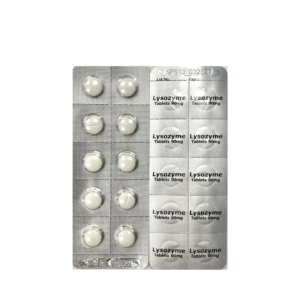
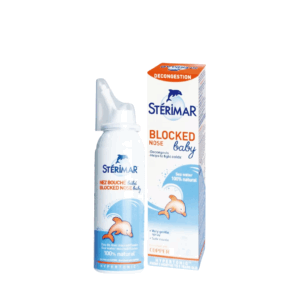
Product images are provided solely for illustrative purposes only and are not intended to represent actual packaging or specifications. Actual packaging and specifications may differ.
Pricing and Payment
All prices are listed in Hong Kong Dollars (HKD).
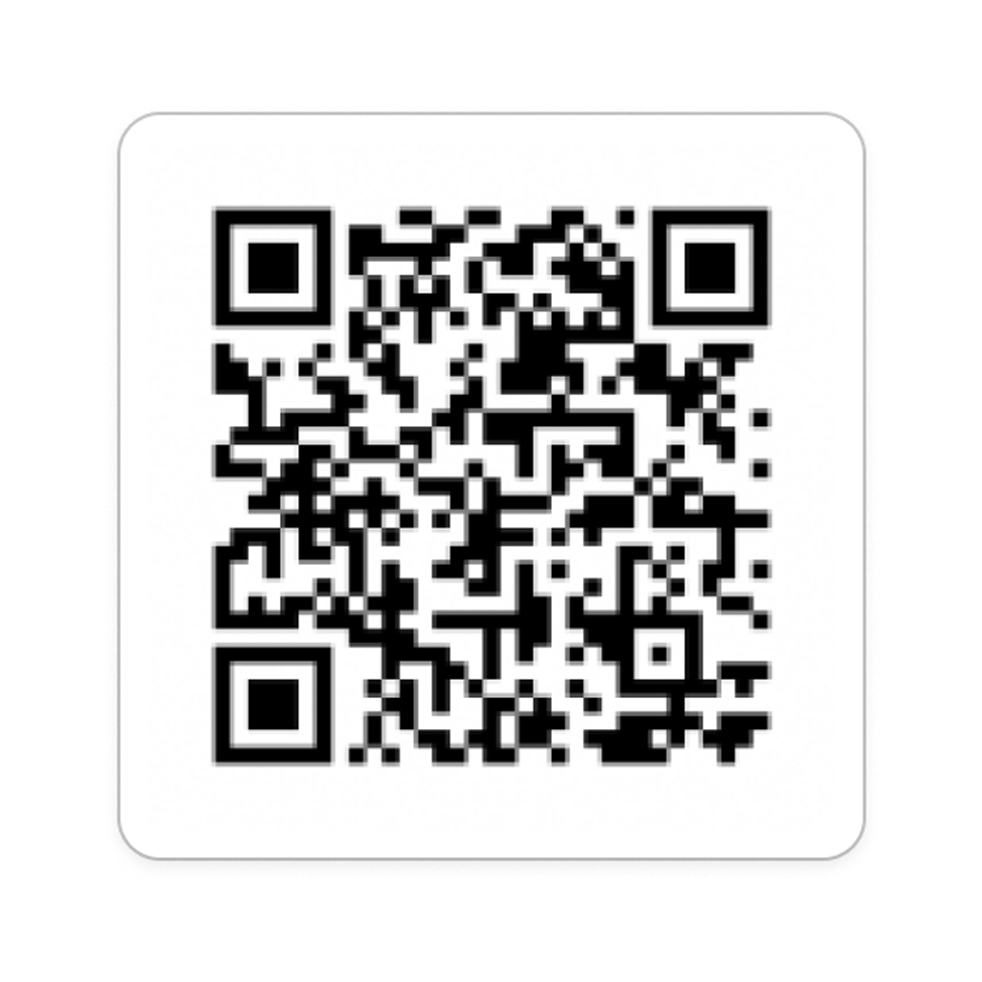
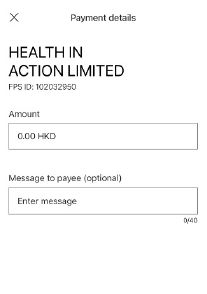
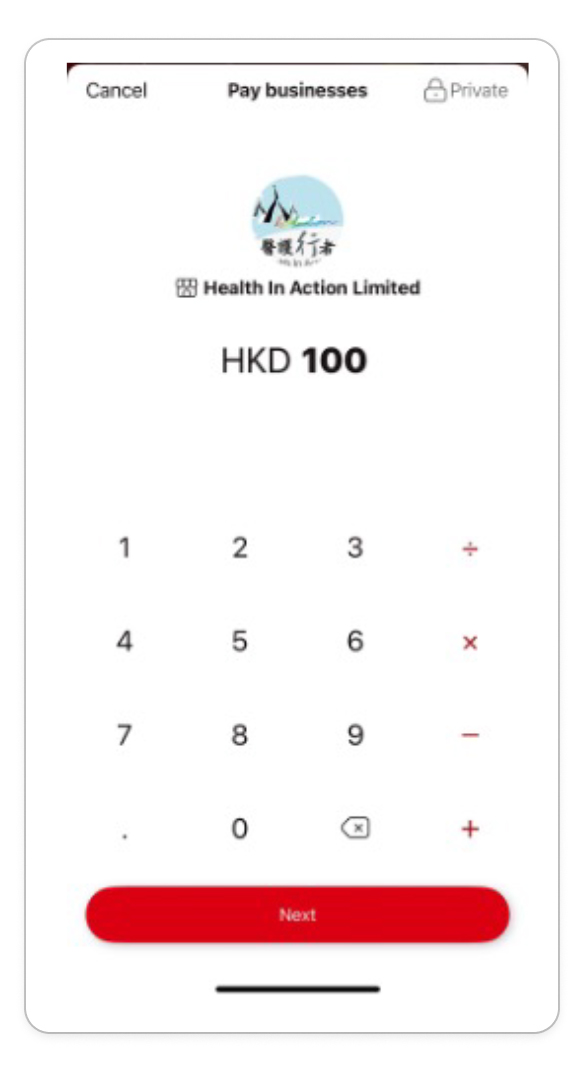
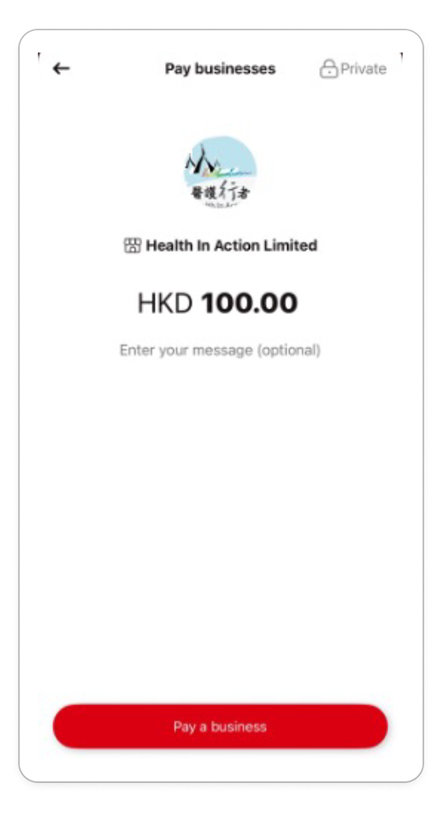
We accept PayMe, FPS, and bank transfer as payment methods. Upon successful payment,
an electronic receipt will be sent to your registered email. The submission of an order shall be regarded as an offer to purchase, and a contract shall be formally concluded only upon our issuance of the electronic receipt email.
3. Delivery and Returns
Delivery Policy
Delivery time, method, and cost are contingent upon the service selected at checkout.
Certain items, such as refrigerated medications or Fragile goods, necessitate specialised handling. For further details, please refer to the individual product descriptions.
Receipt and Inspection
Kindly inspect all items upon receipt. Should any product be found to be damaged, defective, or incomplete, please contact customer service within 24 hours of receipt. The risk shall pass to you immediately upon receipt of the goods.
Returns and Exchanges
Due to the requirements about quality, safety and security, medications are not eligible for return or exchange unless they have sustained damage, become defective, or were delivered incorrectly.
Kindly submit your eligible return or exchange request within 7 days of delivery (including the day of receipt). To support your request, please provide relevant documentation, such as images or detailed order information, to customer service.
4. Liability Limitations
Service Availability
This Website may occasionally be unavailable due to maintenance or circumstances beyond our control.
Disclaimer
This Website provides services on an “as-is” basis and makes no warranties regarding continuity or error-free operation. We shall not be held liable for indirect losses or data loss resulting from causes other than our gross negligence.
Health Information Disclaimer
All health-related information provided is for general informational purposes only and is not intended to substitute professional medical advice. For specific medical concerns, it is strongly recommended to consult a licensed medical professional, such as a doctor or pharmacist.
Third-Party Links
External links within this Website are provided solely for convenience. We assume no responsibility for the content or policies of any linked sites.
5. Intellectual Property
All content on this Website (including text, images, trademarks, and source code) is protected by intellectual property laws. Users may not copy, modify, or commercially utilize this content without prior authorization.
6. Amendments, Governing Law and Jurisdiction
Amendments
We reserve the right to revise or update these Terms at any time without prior notice. Updates will be posted on this Website. Continued use of this Website constitutes your acceptance of the revised Terms.
Governing Law and Jurisdiction
These Terms are governed by the laws of the Hong Kong Special Administrative Region. Any disputes shall be submitted to the exclusive jurisdiction of Hong Kong courts.
Contact Us
For inquiries regarding these Terms, kindly contact our customer service via email at:
Email: cs_pharmacy@hia.org.hk

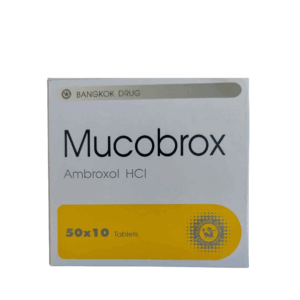
 Ambroxol (Mucobrox) 30mg Tab (HK-51525) (10s)$10.00